
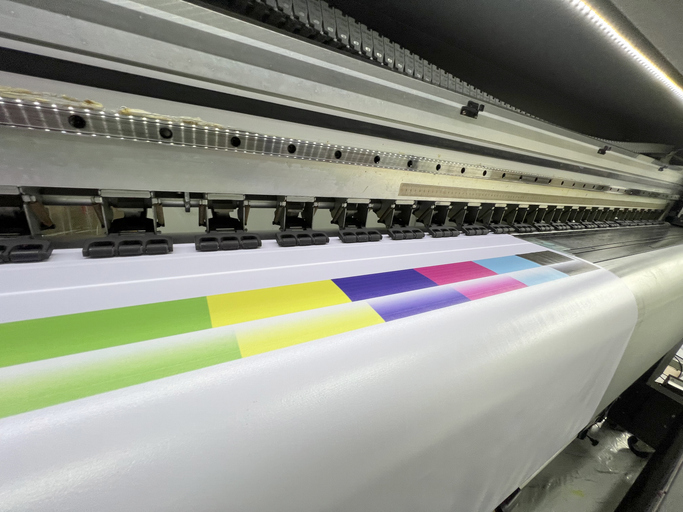
For printed designs, color precision is the difference between wasting your print job in the trash bin or delivering impeccable quality. While Sawgrass sublimation printers can produce fantastic results, ensuring you’re getting the best possible print can come down to a few important details. Regular maintenance, ink quality, transfer paper, and printer settings guarantee that prints meet expectations every time.
Choosing the Right Ink
The choice of a good ink is still the basis for printing brilliantly. Poor inks may lead to dull colors or blockages. Original ink that was made for the specific model of your printer ensures the best performance and long life for both the actual ink and your printer. It also prevents the possibility of damage to the printhead since your refill ink is authorized. Ink quality consistency produces more uniform results from job to job. Using the right ink with a sawgrass sublimation printer helps maintain color quality and supports more consistent printing results over time.
Selecting Suitable Transfer Paper
However, not all transfer papers yield the same result. Using a premium transfer paper ensures colors will pass nicely from printer to substrate. A cheap paper can take in excessive ink or emit it unevenly. This results in faded or uneven color on the finished goods. Users can test out various transfer papers and see which performs better for the projects they are working on.
Printer Settings and Color Management
Proper printer settings are crucial for color fidelity. Choosing the appropriate print profile pairs the printer with the ink-and-paper pair. Printer programs with a color profile manager are highly demanding. Users were recommended to use their corresponding ink and paper profiles. Things like resolution and print speed can also affect the sharpness and vibrancy of your colors.
Calibrating the Monitor
However, with a correctly calibrated monitor, you can be sure that the screen image will match the printed version. An inaccurate color representation can prompt users to make incorrect adjustments to artwork before printing if the monitor is not as accurately representing colors. These allow you to align the color output of the monitor to various industry specification levels. Monthly calibrations will help to avoid the slow shift in color that can occur but will be imperceptible.
Preparing and Editing Images Properly
One major factor that determines the color output is how the image is prepared. Images with a resolution of at least three hundred dots per inch will print crisply and in true colors. You need to adjust the editing software to the required color mode; for example, in digital design, the editing software should be RGB. Cautioning against using unnecessary color filters or overediting to the point that the colors seem to change in a final print, as they may come skewed.
Optimizing Heat Press Settings
Ink travels from the paper to the item in the heat press. If the temperature and pressure are not accurate, you will lose vibrancy, and colors will appear faded and washed out. By keeping the recommended settings of the manufacturer regarding temperature, pressure, and time of pressing, one can get a bright, durable print. Different fabrics or ceramics will need different settings for the best results.
Maintaining the Printer
Frequent cleaning and maintenance prevent color variations. Streaks or faded areas may result from the blocking of the print head by dust and dried ink. Usually, printers offer some type of automated cleaning cycle, which the users can run on a weekly basis. It also prevents color output from drifting over time and can help ensure the printer stays running smoothly by checking for firmware updates.
Testing and Making Adjustments
Test prints also help users to identify problems prior to launching larger jobs. If the results seem incorrect, you can also modify color profiles, image settings, or press parameters. Instead, by noting the successful settings for different materials, you will save time during new projects. Sometimes, just small changes such as slightly adjusting the temperature will make a world of a difference.
Avoiding Common Pitfalls
Product color results can be disappointing due to various mistakes. Common mistakes include using inappropriate ink and paper, failing to calibrate monitors, and neglecting maintenance schedules. The heat press settings are where you are going to want to take the most care. Rushing the heat pressing process or choosing incorrect settings for a substrate can also impact the results.
Conclusion
To get the most from a Sawgrass sublimation printer, you need to do more than just hit print. By choosing the right ink, paper, settings, and maintenance, you can achieve outstanding results. This process guarantees users bright, clear, and professional-looking prints every time.